


Defining retail management software
Retail management software is a platform that connects the different moving parts of running a store, not just the cash register. A standalone point-of-sale (POS) system handles checkout, but a full retail management system links those sales transactions to inventory, purchasing, supplier records, and reporting, giving owners one place to see what sold, what’s left on the shelf, and what needs reordering. Some systems add customer profiles, ecommerce integration, staff permissions, and pricing tools, depending on how the business operates.
Many small and mid-sized retailers in the Philippines still run on paper logs, spreadsheets, and visual stock checks. That approach depends on someone remembering to update a count or walking the aisles to eyeball what’s low, which leaves gaps in replenishment visibility and can lead to stock shortages. The same disconnect works in reverse too: without a shared view of stock across sales and purchasing, businesses can end up overstocking or holding expired goods, which ties up cash that could go elsewhere.

For a retailer weighing whether to move off manual methods, the value of any system depends on how well it fits local reporting, tax, and payment requirements, not just its feature list. The next sections break down what to look for.
What a complete system should cover
A retail management platform typically bundles several capabilities into one system, and it helps to know what each one should actually do before comparing options.
- Point of sale (POS): Handles sales, payments, receipts, returns, exchanges, and discounts at checkout, and each transaction should automatically update stock counts so the shelf and the system stay in sync.
- Inventory visibility: An on-hand report gives a real-time view of stock quantities and values by location, so staff can tell exactly where an item sits without walking the floor. Location-level visibility, barcode receiving, and stock adjustments round this out.
- Stock movement tracking: A stock ledger records every receipt, issue, return, transfer, and adjustment for an item, creating a running balance that can be traced back if numbers don’t match.
- Purchasing and reordering: Supplier records, purchase orders, and receiving workflows tie into low-inventory reports that flag items needing replenishment by comparing on-hand, allocated, and incoming purchase order quantities against set reorder points.
- Valuation and turnover reporting: A valuation report calculates the total worth of inventory using cost and quantity, while a turnover report shows how fast stock actually sells and gets replaced, which helps separate products that earn their shelf space from ones that just tie up capital.
- Physical count and variance checks: Periodic stock counts compared against system records surface discrepancies early, before they turn into shrinkage nobody can explain.
- Sales and order management: Transactions organized by product, cashier, channel, or branch make it possible to see which store, staff member, or product line is actually driving revenue.
- Multi-branch and multi-warehouse support: Centralized product data, pricing, and stock visibility across locations, plus the ability to transfer stock between branches, matters for any retailer running more than one store or stockroom.
- Dashboards and consolidated reporting: Sales, payments, inventory movement, stock value, and branch performance rolled into one view, so an owner isn’t stitching together separate spreadsheets from each location.
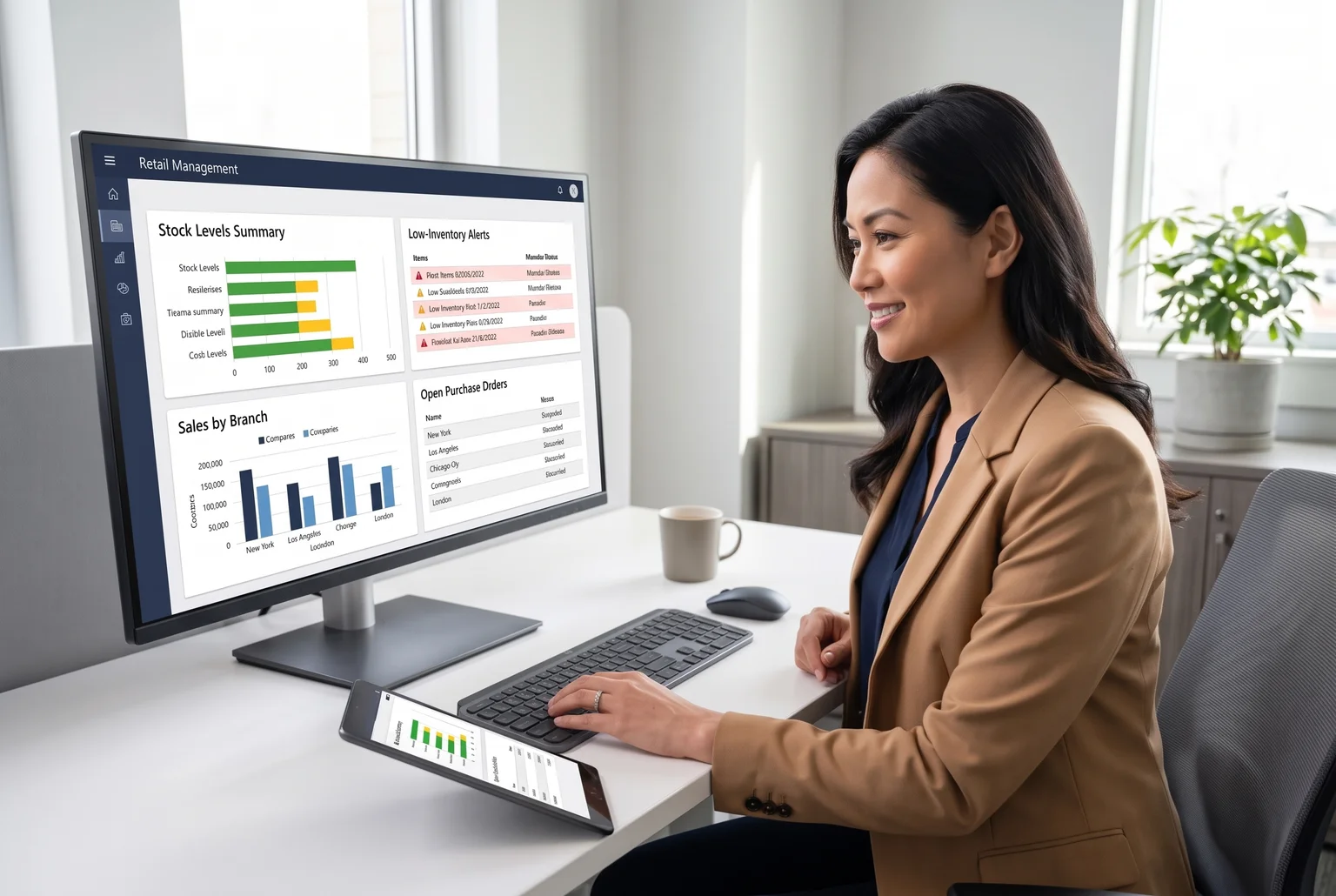
None of these features work well in isolation. A low-inventory alert is only useful if it’s pulling from the same data the POS just updated, and a branch report only tells the full story if it’s consolidated with every other branch’s numbers, not compiled by hand at month-end.
What this looks like in day-to-day operations
The features above translate into real operational gains for retailers running more than one location or dealing with demand that shifts throughout the year.
Chains with several branches spread across Luzon, Visayas, and Mindanao deal with geographic distance and local demand differences that a single spreadsheet can’t keep up with. Centralized inventory visibility means a manager doesn’t need to call each branch to ask what’s in stock. Distribution-level forecasting and store-level replenishment, the kind used in convenience retail chains for regional demand differences, show what’s possible when head office can see and act on branch-level data instead of waiting for it to trickle in.
Demand also swings with paydays, festivals, and weather patterns that vary by region, and separately, categories like back-to-school supplies, uniforms, and electronics spike on their own calendar rather than moving with the rest of the store. Reorder points and low-inventory alerts that pull from live stock data let a purchasing team adjust by category instead of guessing at a store-wide reorder quantity.
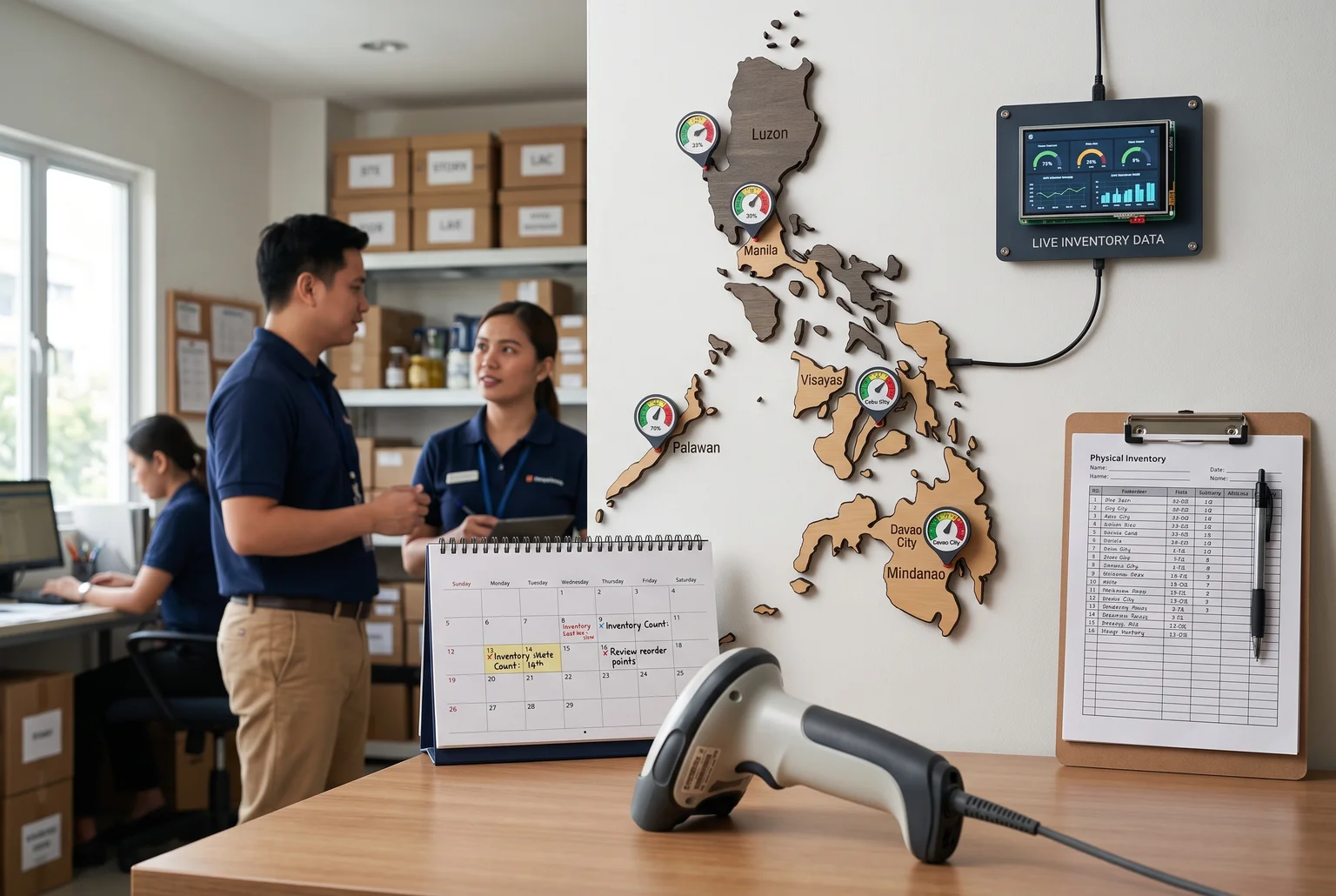
Accurate stock counts, verified through regular physical counts against system records, cut down the guesswork that leads to overordering slow movers or running out of fast ones. For an owner, that adds up to fewer surprises: fewer emergency restocks, fewer markdowns on overstock, and a clearer sense of which branches and product lines are actually earning their shelf space. The confidence to open a second or third branch usually comes from having that visibility already working in the first one.
A checklist for comparing your options
With features and benefits clear, the next step is testing candidates against a consistent set of criteria rather than picking on price or first impression.
Start with scalability. Ask whether the system handles more products, users, registers, and branches without a disruptive migration later. A setup that works for one store should not need to be rebuilt when you open a third.
Test usability directly. Have actual cashiers, supervisors, and inventory staff run through checkout, stock receiving, and reporting tasks, and note how long onboarding takes and whether training materials exist beyond a sales demo.
Check integration. The system should connect with accounting, e-commerce, payment terminals, and existing hardware rather than sit as an isolated tool needing manual re-entry.
Review functional fit against real workflows: purchasing, receiving, stock transfers, returns, promotions, user permissions, and reporting, not just a features list on a brochure.
Look at local support specifically. Ask about contact channels, response times, and how issues get resolved, since a support ticket routed overseas can sit for days while a branch manager waits for an answer.
On customization, be cautious of vendors offering to build anything you ask for. Heavy customization can add implementation time and cost down the line, so favor systems flexible enough for real business rules without needing constant custom code.
Finally, add up the total cost of ownership, covering monthly fees, payment processing rates, hardware, app fees, setup, and training time, since these add up differently across vendors even when subscription prices look similar.

Weighing each shortlisted option against this same list, rather than relying on a demo alone, makes the comparison fair and the final decision easier to defend.
How Quadrant Alpha’s system covers the checklist
Quadrant Alpha’s Inventory, Purchasing and Sales System is built around the same functions this guide has walked through: procurement, stock control, sales, and reporting, tied together in one dashboard rather than scattered across spreadsheets or disconnected tools.
On the purchasing side, the system tracks purchase requests, supplier records, RFQ evaluation, and purchase-order status, and connects purchasing transactions to receiving and accounts payable so costs and supplier history stay linked to what actually arrives in the warehouse.
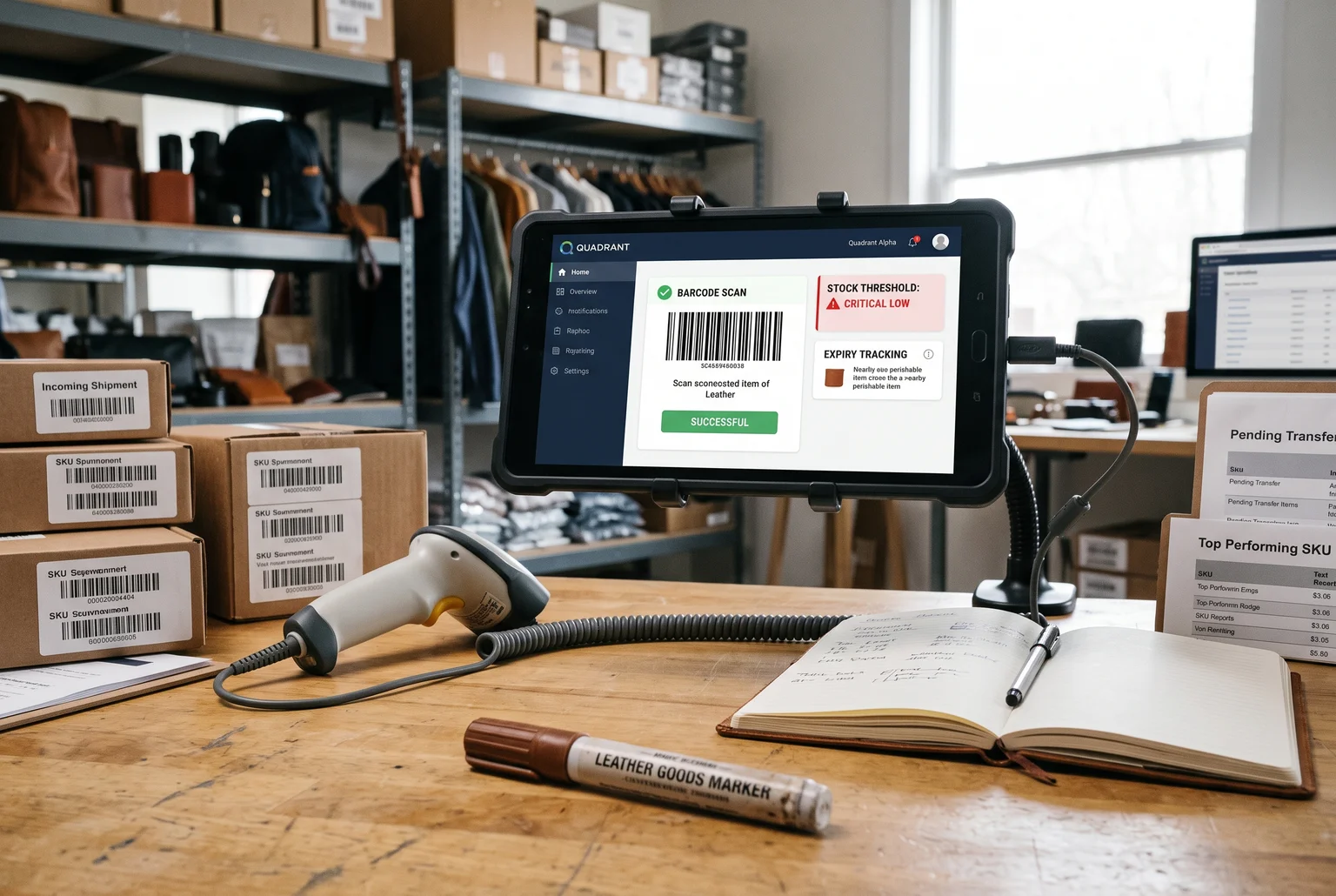
For inventory, it offers multi-warehouse visibility, real-time stock valuation, and warehouse-to-branch distribution tracking, which addresses the multi-branch requirement raised earlier in this guide. Barcode-enabled receiving and delivery, SKU-level stock thresholds, and tracking for damaged, spoiled, or expired goods support the accuracy and shrink-control needs common in Philippine retail operations.
The operational dashboard surfaces stock movements and sales transactions in one view, including pending transfers, top-performing SKUs, and items running critically low, which supports the reporting depth buyers should look for when evaluating a system.
A testimonial from Doctor Leather, featured on Gadget Pilipinas, points to faster operational turnaround and improved customer experience after automating manual processes, with staff describing the system as easy to work with day to day.
Independently verified performance figures and pricing details are not publicly available, so businesses evaluating the system should still request a live walkthrough and confirm integration and cost specifics directly with Quadrant Alpha before committing.
Before you make a decision
Start by writing down what you actually need. How many branches or users will use the system, what your current purchasing and inventory process looks like, and which reports you check most often, whether that is stock levels, sales by branch, or supplier costs. This gives you a clear list to bring into any conversation with a vendor instead of evaluating features in the abstract.
From there, reach out to Quadrant Alpha directly to talk through fit. Describe your business, branch count, and current pain points around inventory or purchasing, and ask for a walkthrough of the Inventory, Purchasing and Sales System so you can see how it handles your specific workflow, not just a generic demo.
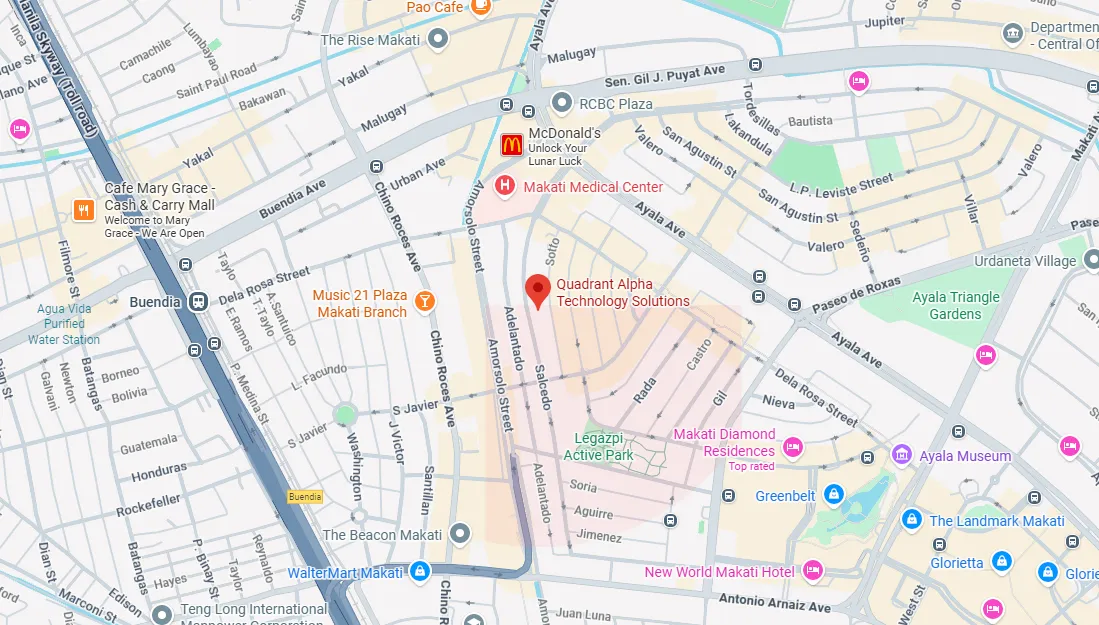
You can contact Quadrant Alpha through its website, by email, by phone at +63 2 8813-7616, or in person at its Makati office at 10th Floor, Legaspi Suites, 178 Salcedo Street, Legaspi Village. A short conversation is usually enough to tell whether the system fits how your business actually runs.